
01
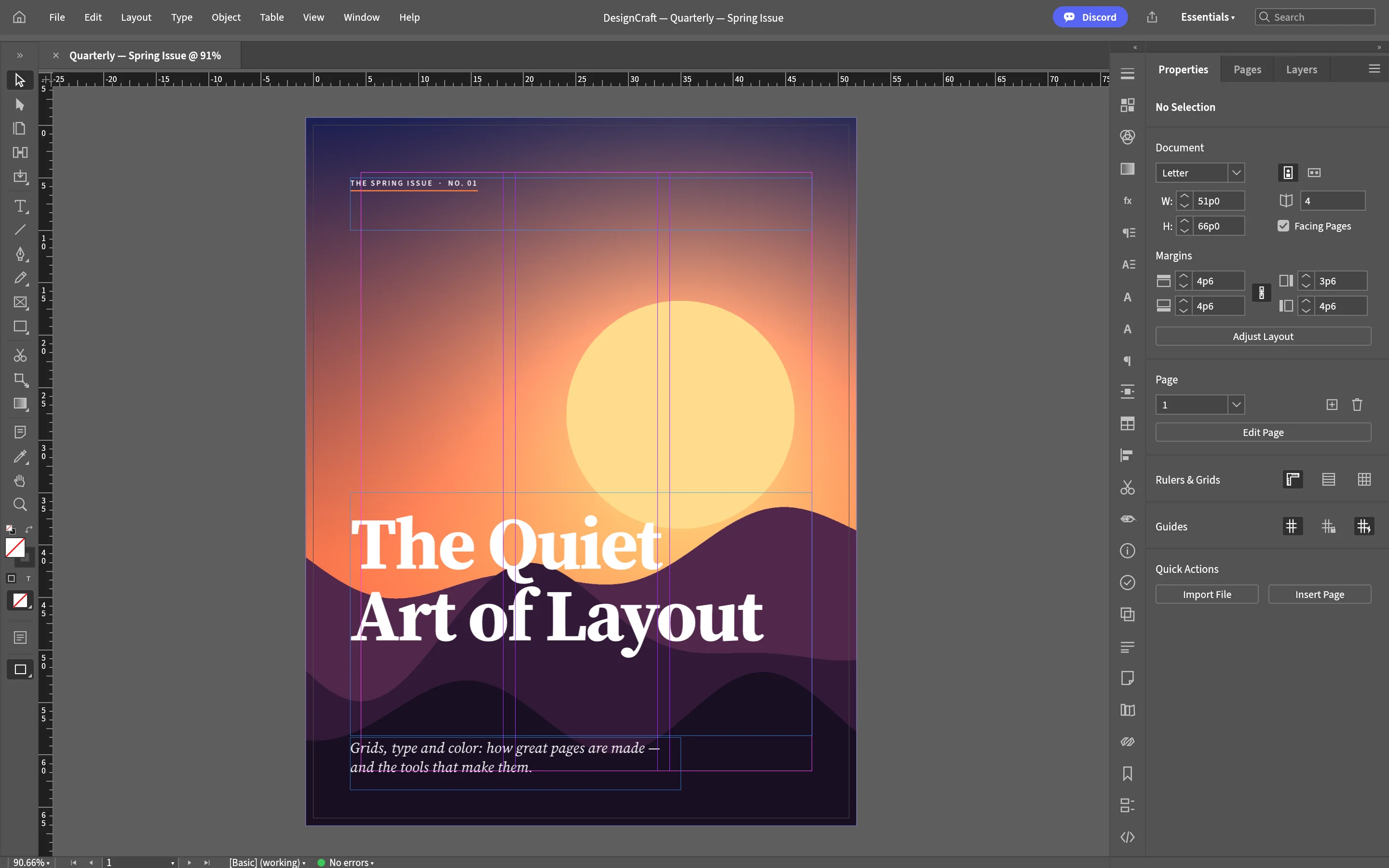
Page grids
Column grids and baseline alignment — layout discipline from the skeleton up.
 Built-in plugin
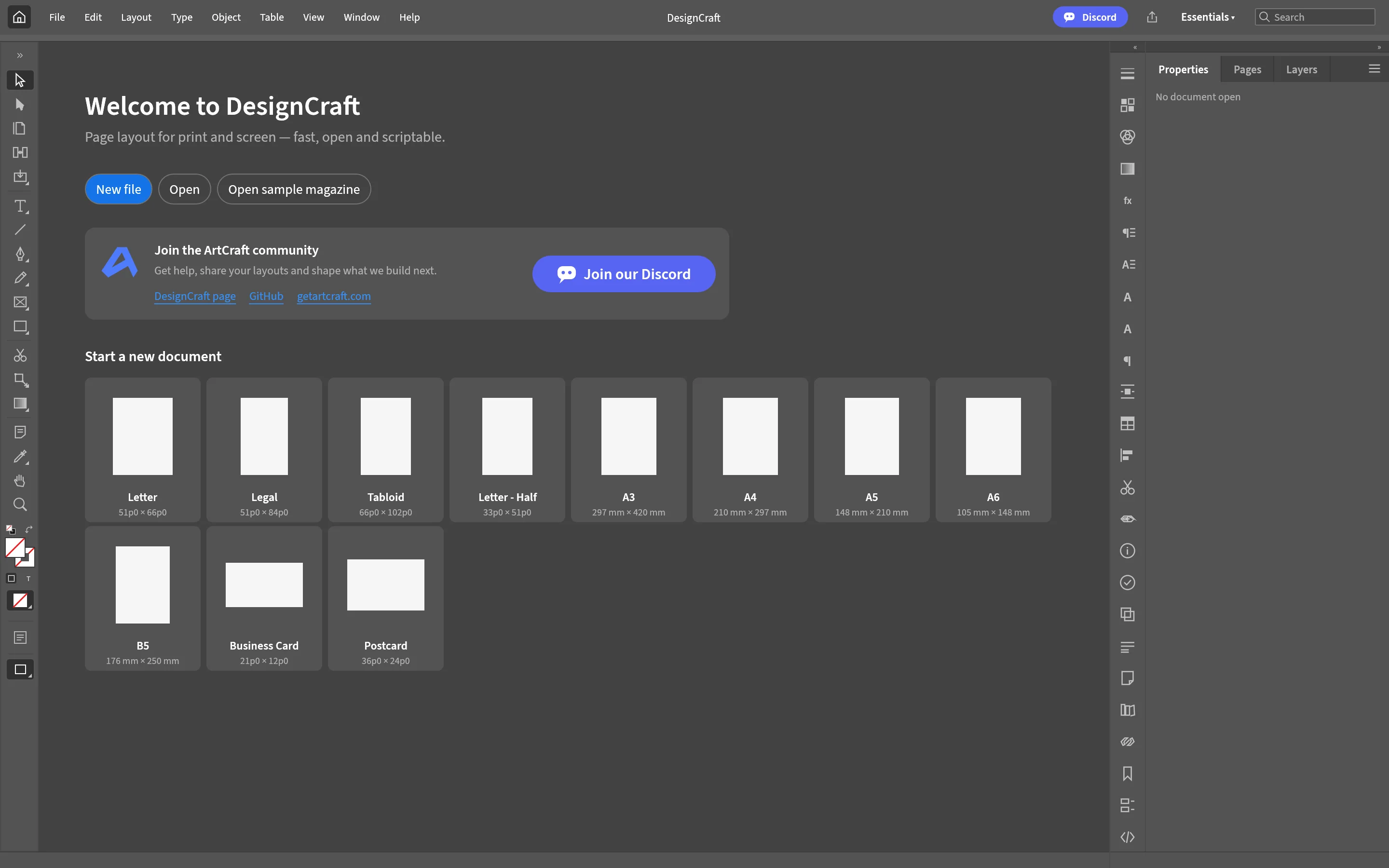
InDesign-style page layout
Page grids, text and image frames, paragraph and character styles, master pages — print-grade layout output.
All screenshots are rendered from the real plugin UI (2x hi-res).
Every capability comes with a real screenshot — see what it looks like in daily work.
Column grids and baseline alignment — layout discipline from the skeleton up.
Headers and footers on masters — no repeated busywork on long documents.
Details refined for daily use — not a checklist of features.
Column grids and baseline alignment — layout discipline from the skeleton up.
Style-driven typesetting: change once, update everywhere.
Headers and footers on masters — no repeated busywork on long documents.
Export PDF ready for print production.
One-click install from the OTools plugin marketplace — works alongside your other tools in the same workspace.
Add it to your existing OTools and work alongside your other tools, sharing tabs and shortcuts.
A standalone app is on the way — install the plugin from the OTools market today.