
01
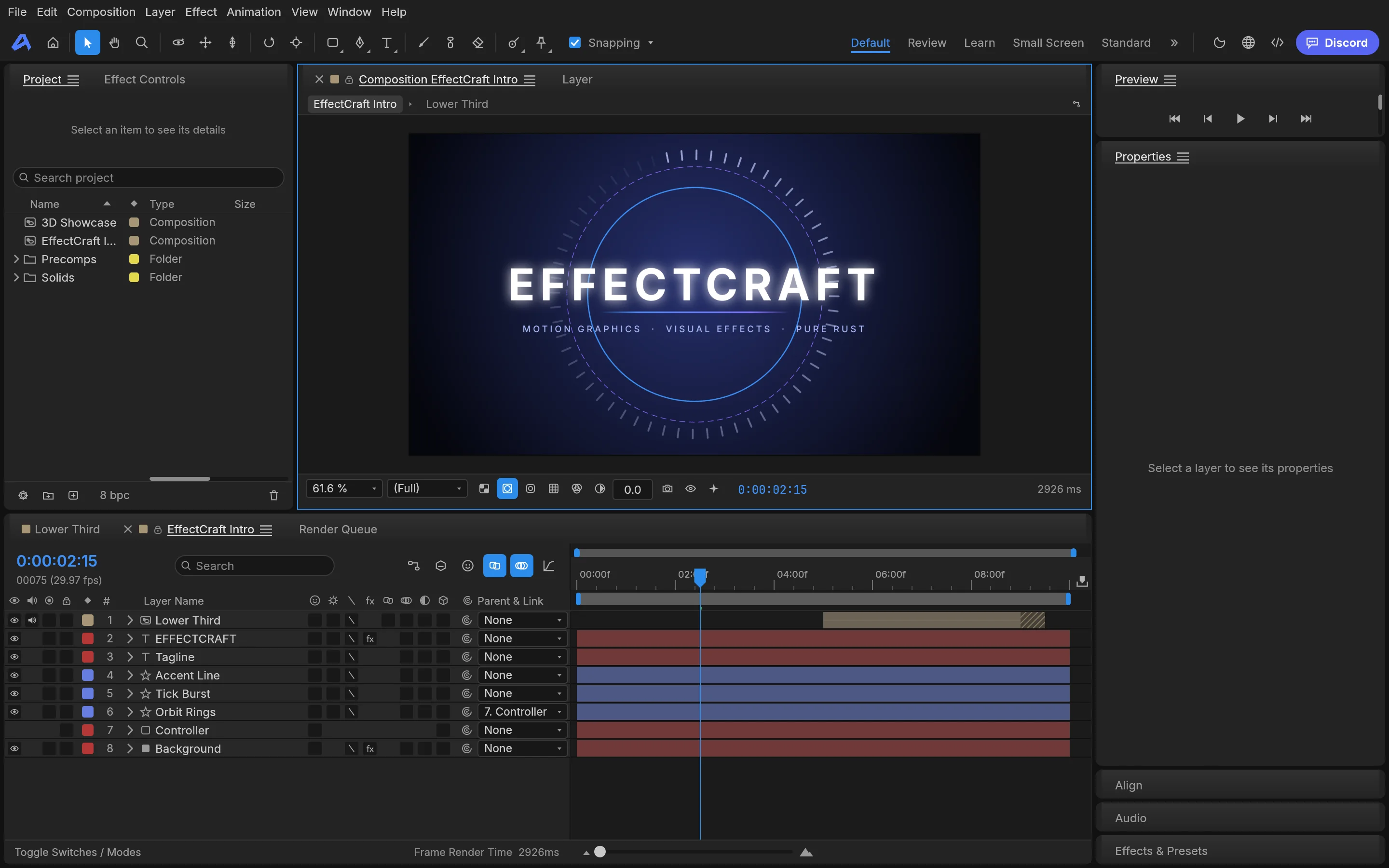
Composition layers
Stacked-layer compositing with blend modes and masks.
 Built-in plugin
After Effects-style motion compositing
Composition layers, keyframes, effects and a render queue — motion design as one pipeline.
All screenshots are rendered from the real plugin UI (2x hi-res).
Every capability comes with a real screenshot — see what it looks like in daily work.
Stacked-layer compositing with blend modes and masks.
Details refined for daily use — not a checklist of features.
Stacked-layer compositing with blend modes and masks.
Key any property, with easing curves under fine control.
Blur, glow and distortion — applied and previewed instantly.
Queue renders in batches and export without babysitting.
One-click install from the OTools plugin marketplace — works alongside your other tools in the same workspace.
Add it to your existing OTools and work alongside your other tools, sharing tabs and shortcuts.
A standalone app is on the way — install the plugin from the OTools market today.