
01
Two-pane browsing
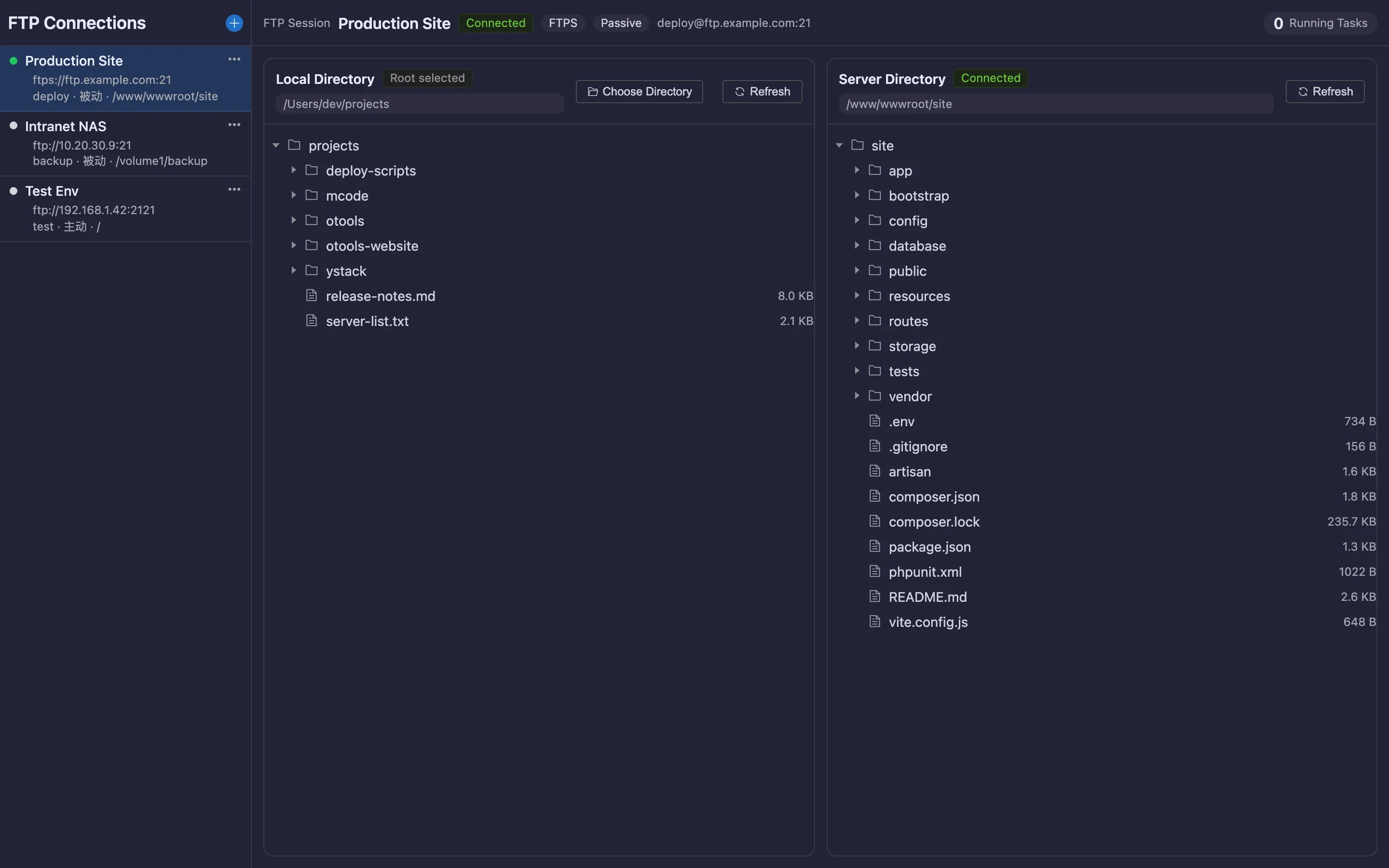
Local on the left, remote on the right, with aligned directory trees and file lists so both structures are obvious at a glance.
 内置插件
内置插件Two-pane FTP that feels local
Local and remote panes side by side, drag-and-drop transfer, a transfer queue with resume — plus FTPS encryption.
All screenshots are rendered from the real plugin UI (2x hi-res).
Every capability comes with a real screenshot — see what it looks like in daily work.
Local on the left, remote on the right, with aligned directory trees and file lists so both structures are obvious at a glance.
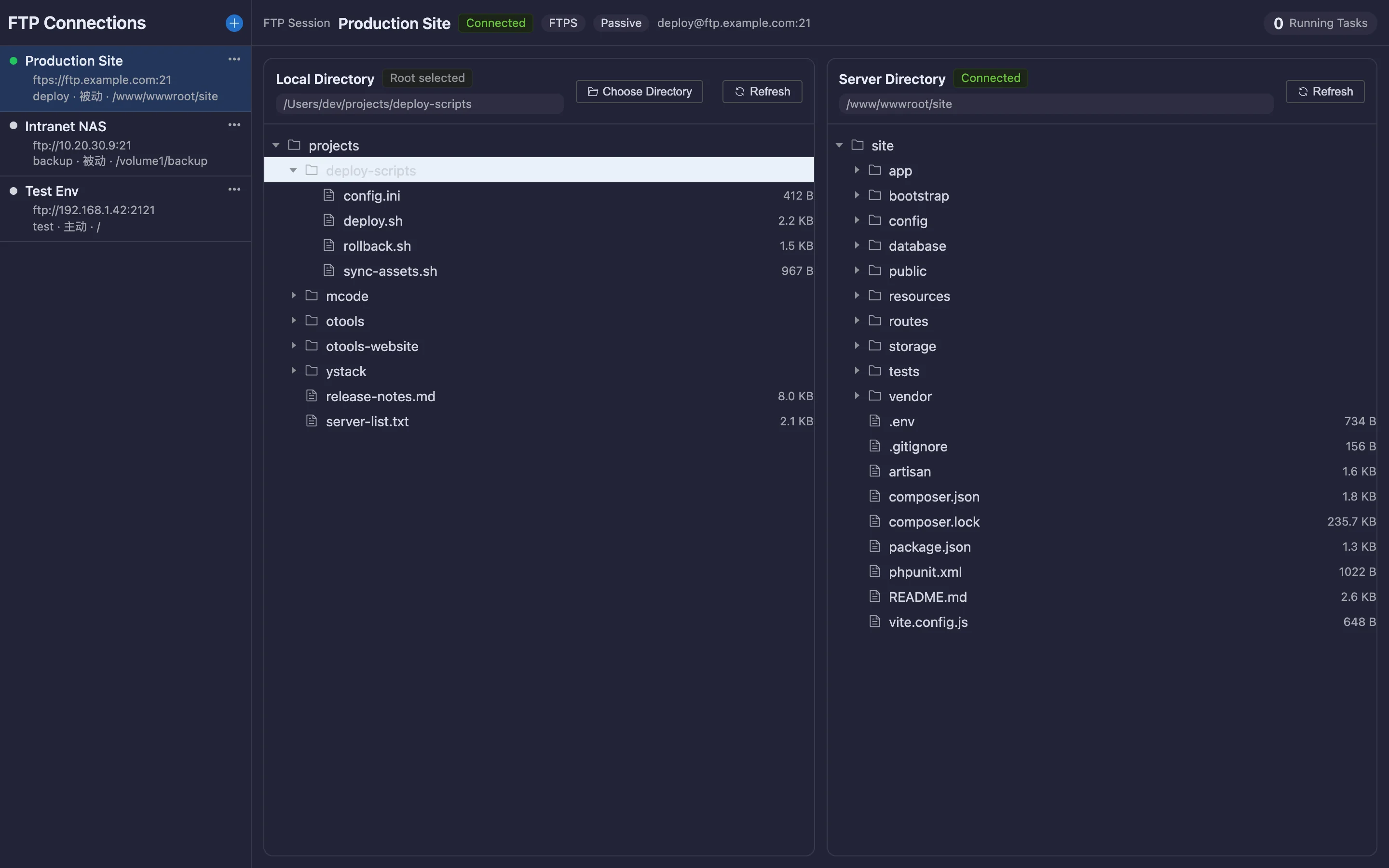
Transfers queue up with visible progress, speed and remaining time; failures can be retried.
Details refined for daily use — not a checklist of features.
Local on the left, remote on the right, with aligned directory trees and file lists so both structures are obvious at a glance.
Transfers queue up with visible progress, speed and remaining time; failures can be retried.
Explicit FTPS encryption with certificate validation, and switchable passive/active modes.
A focused app that does just this, or a plugin inside your existing OTools workspace?
A dedicated desktop app with the same engine but only this plugin’s features. Double-click and go — no OTools required.
Installers live on GitHub Releases; built-in auto-update.
Add it to your existing OTools and work alongside your other tools, sharing tabs and shortcuts.
The plugin updates together with OTools.