
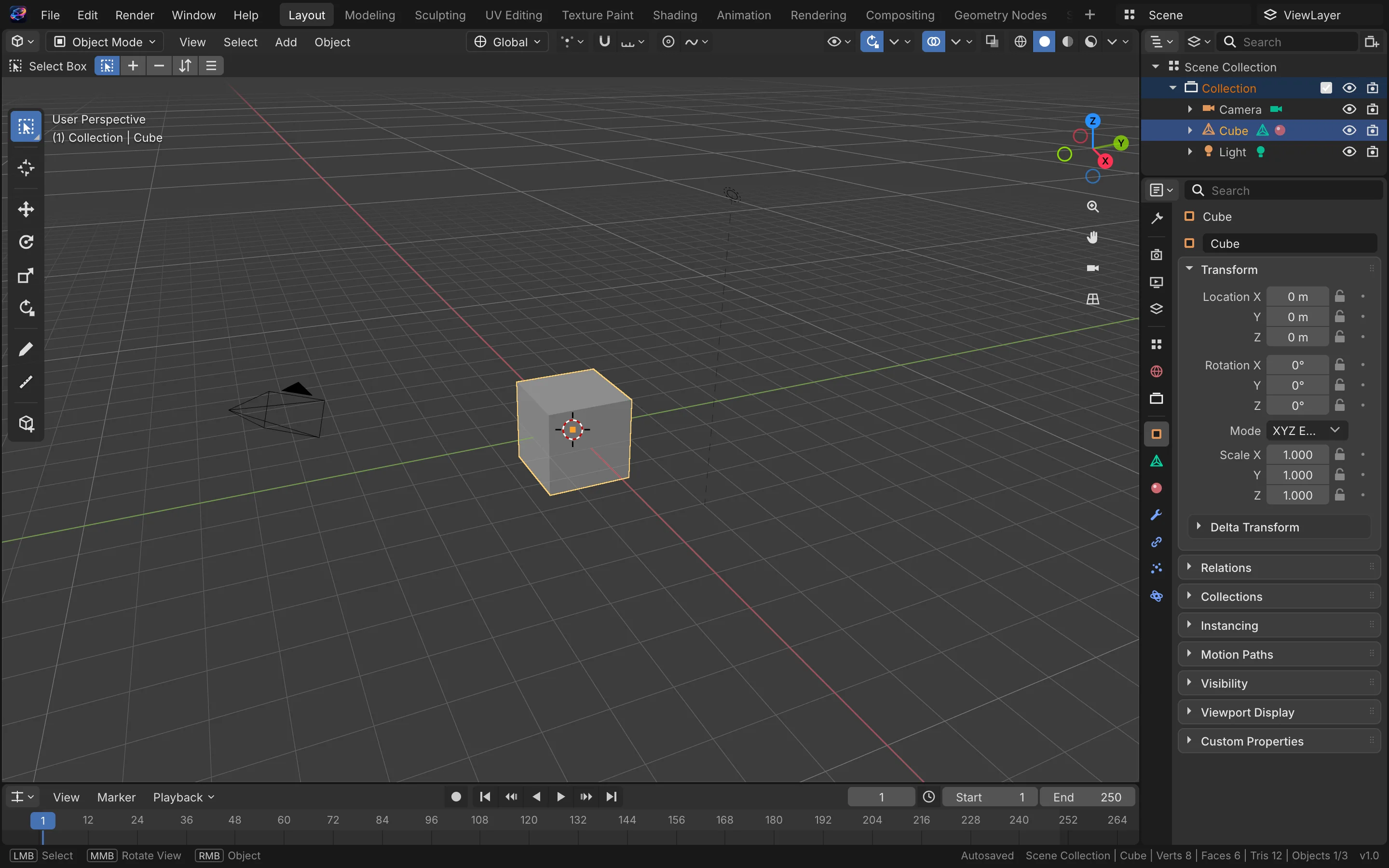
01
Real-time viewport
WebGL rendering with smooth orbit, pan and zoom.
 Built-in plugin
3D scenes on your desktop
Model, material and animation in one workspace. Scenes live as local files you can reopen anytime.
All screenshots are rendered from the real plugin UI (2x hi-res).
Every capability comes with a real screenshot — see what it looks like in daily work.
WebGL rendering with smooth orbit, pan and zoom.
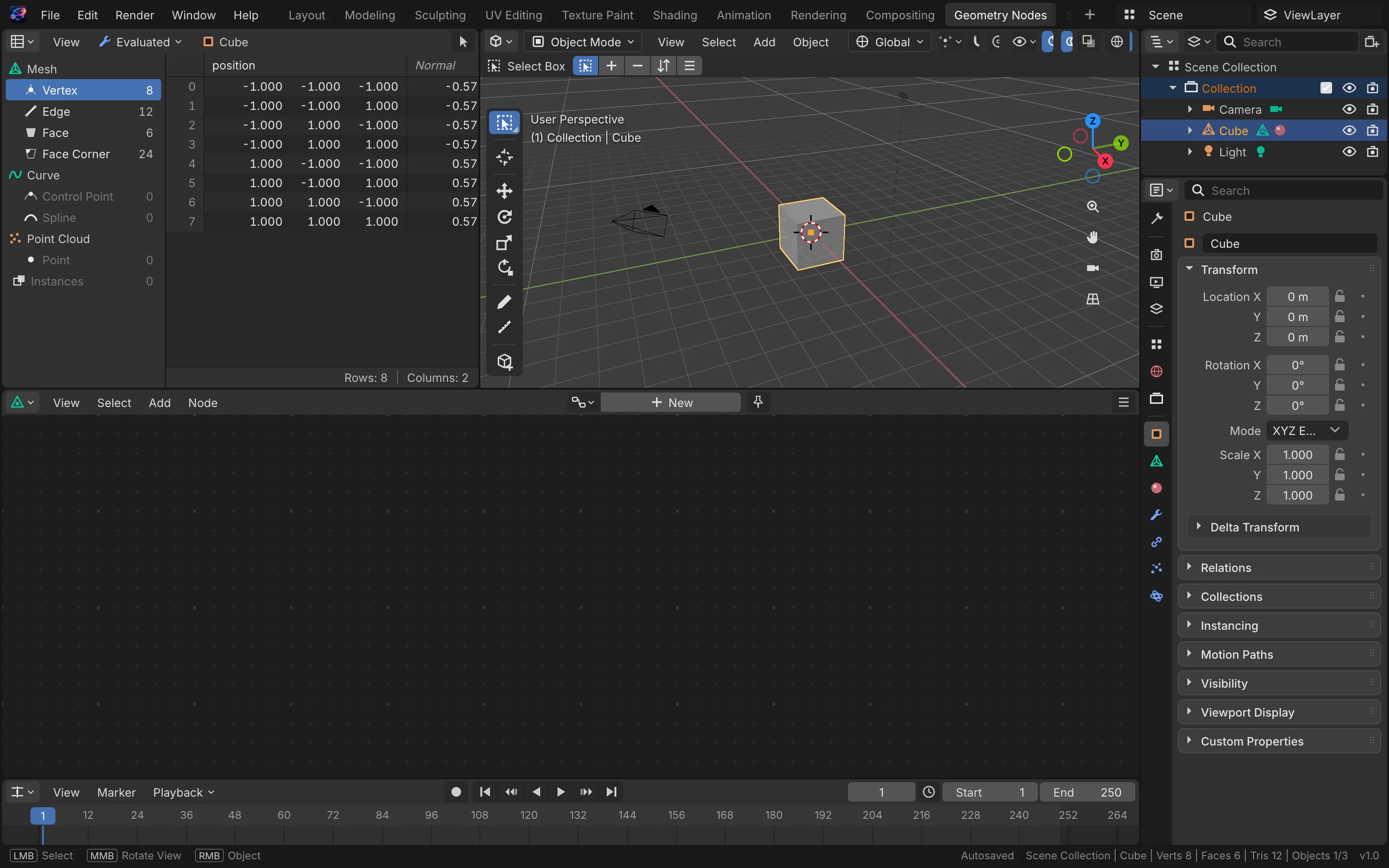
Primitives, transforms and grouping to build scenes fast.
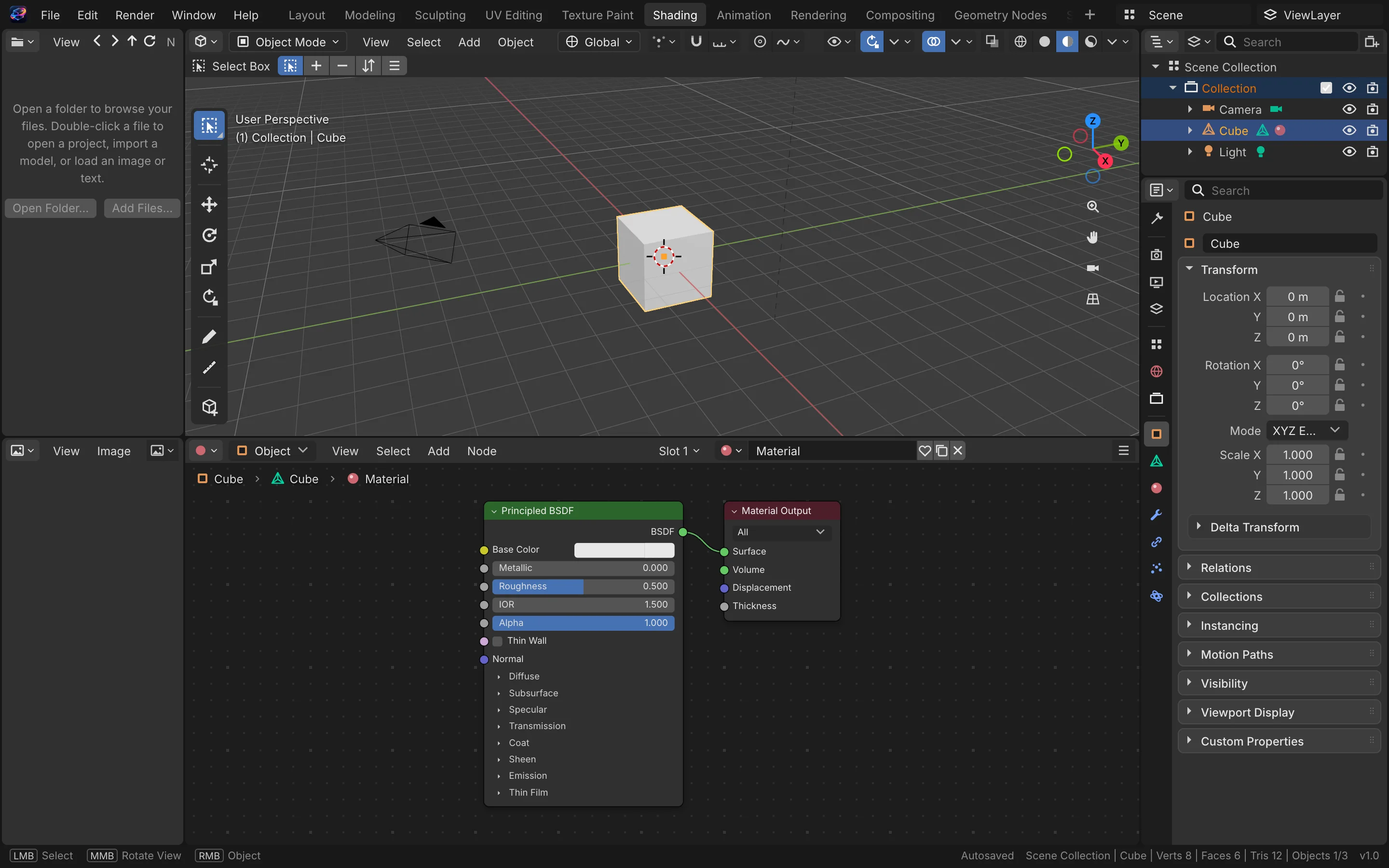
Assign materials and lights, see results instantly.
Details refined for daily use — not a checklist of features.
WebGL rendering with smooth orbit, pan and zoom.
Primitives, transforms and grouping to build scenes fast.
Assign materials and lights, see results instantly.
Keyframes and motion paths with inline playback.
One-click install from the OTools plugin marketplace — works alongside your other tools in the same workspace.
Add it to your existing OTools and work alongside your other tools, sharing tabs and shortcuts.
A standalone app is on the way — install the plugin from the OTools market today.