
01
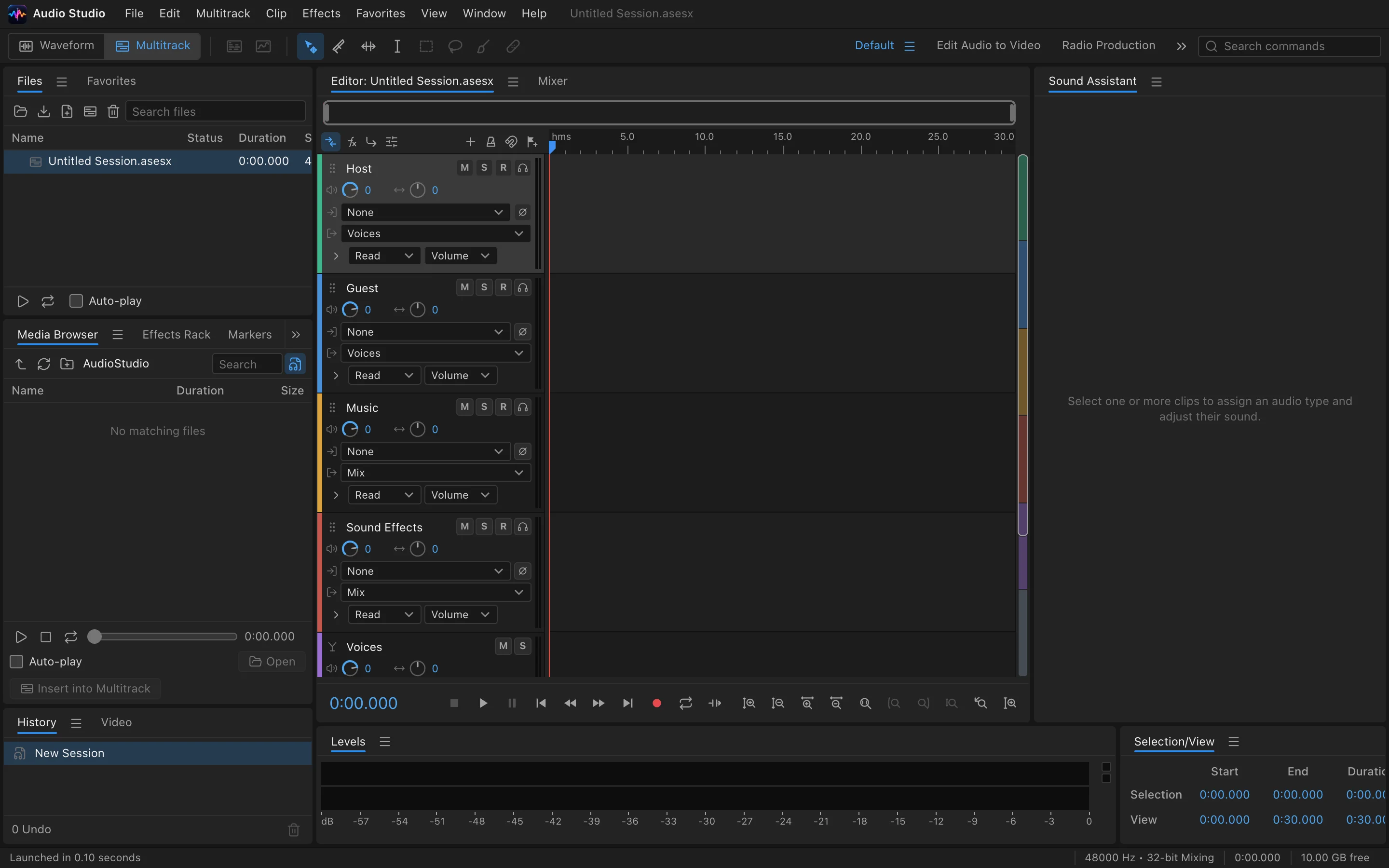
Multi-track timeline
Arrange, cut and fade across tracks with an intuitive timeline.
 Built-in plugin
An audio workstation on your desktop
Multi-track editing, effects and mixing in one window. Projects stay local, export to common formats.
All screenshots are rendered from the real plugin UI (2x hi-res).
Every capability comes with a real screenshot — see what it looks like in daily work.
Arrange, cut and fade across tracks with an intuitive timeline.
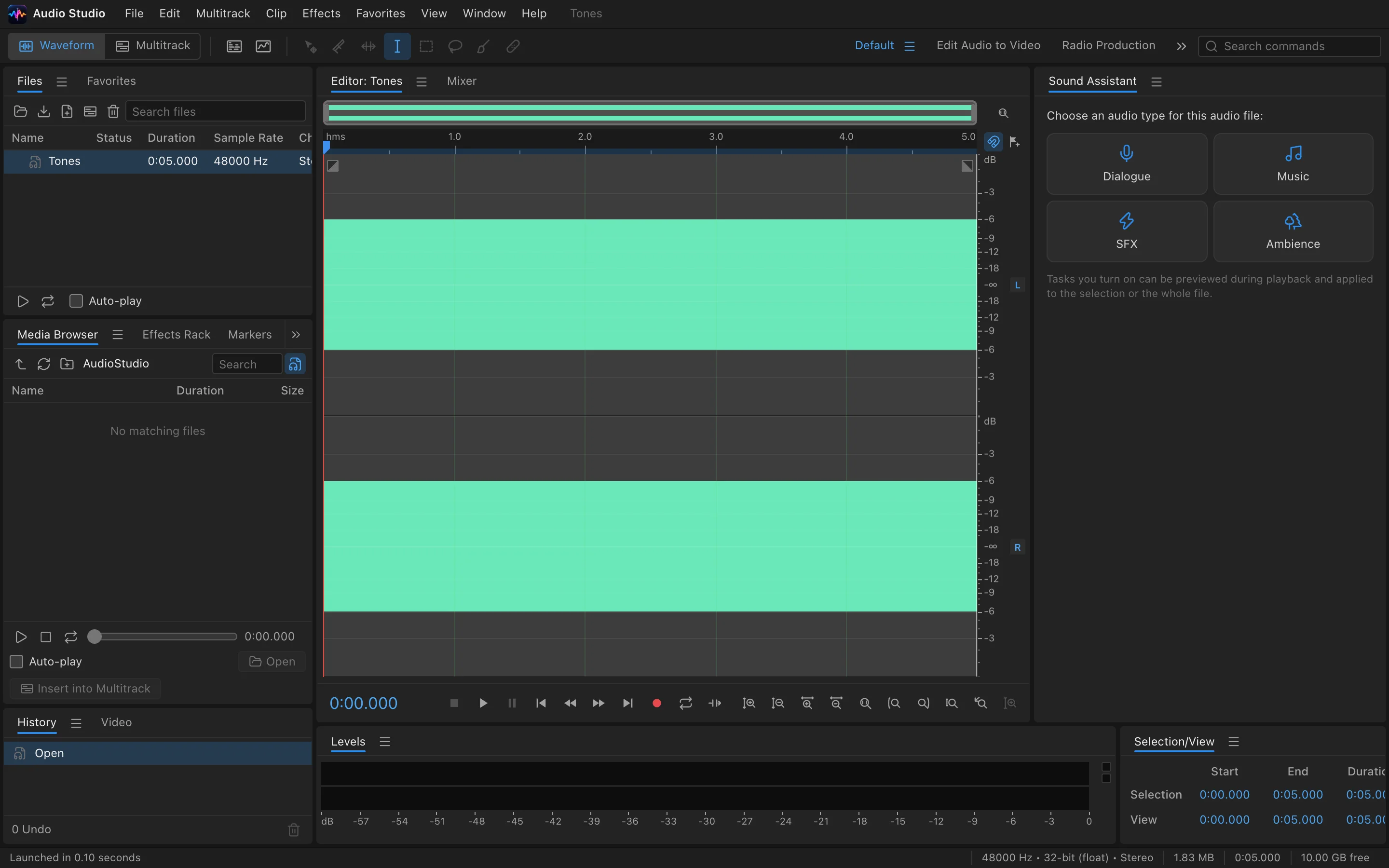
Volume, pan, mute/solo — mixing on a single screen.
Details refined for daily use — not a checklist of features.
Arrange, cut and fade across tracks with an intuitive timeline.
Add effects per track and monitor in real time.
Volume, pan, mute/solo — mixing on a single screen.
Export to WAV / MP3 and more, straight to local disk.
One-click install from the OTools plugin marketplace — works alongside your other tools in the same workspace.
Add it to your existing OTools and work alongside your other tools, sharing tabs and shortcuts.
A standalone app is on the way — install the plugin from the OTools market today.