
01
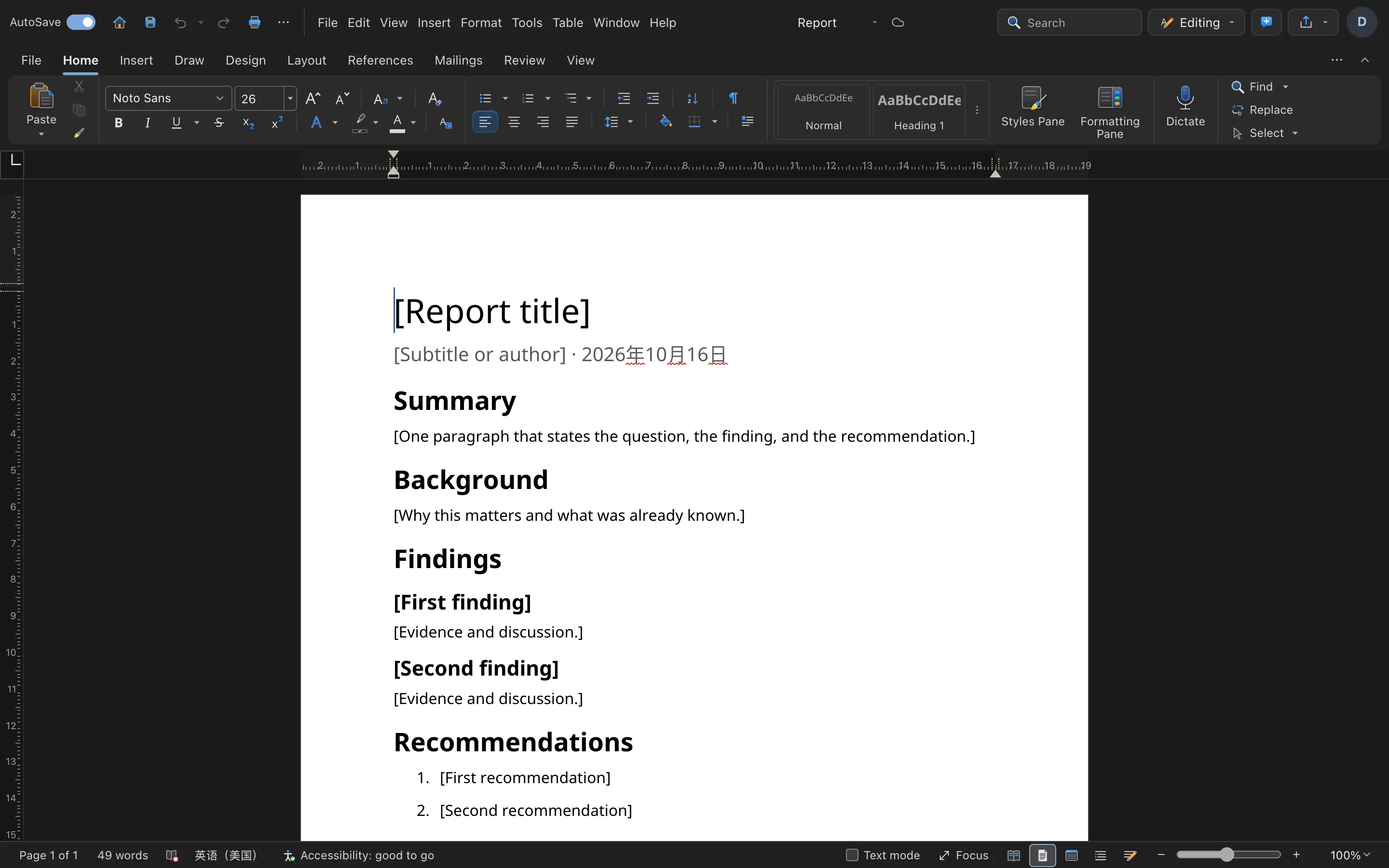
Smooth editing
Headings, lists, tables and images — ready out of the box.
 Built-in plugin
A document editor that just works
Write, format and export in one window. Files are ordinary local documents you can open anywhere.
All screenshots are rendered from the real plugin UI (2x hi-res).
Every capability comes with a real screenshot — see what it looks like in daily work.
Headings, lists, tables and images — ready out of the box.
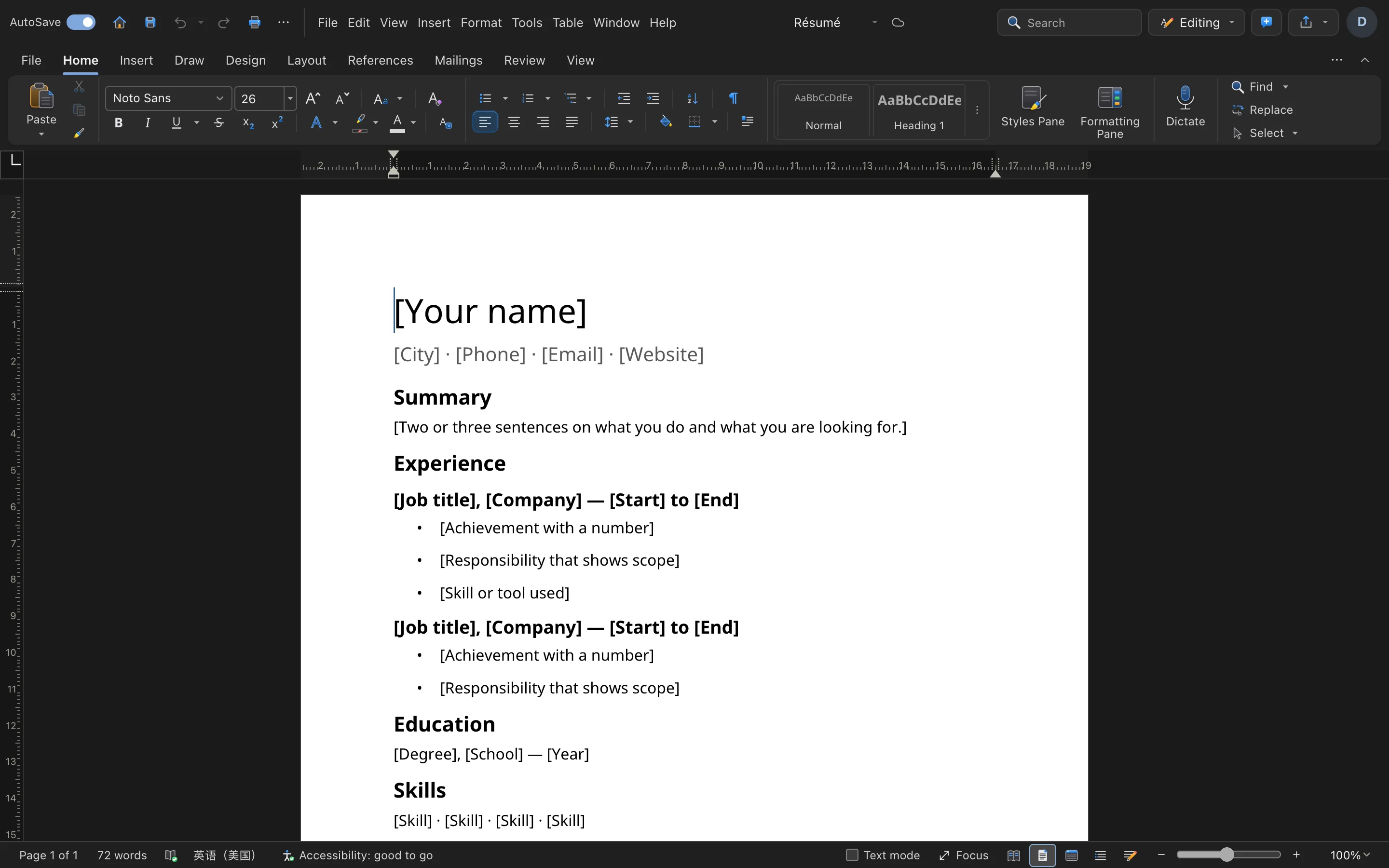
Export to DOCX / PDF and more, compatible with major suites.
Details refined for daily use — not a checklist of features.
Headings, lists, tables and images — ready out of the box.
Font, size, color and paragraph styles in one click.
Export to DOCX / PDF and more, compatible with major suites.
Documents live in a local folder — plain files in Finder.
One-click install from the OTools plugin marketplace — works alongside your other tools in the same workspace.
Add it to your existing OTools and work alongside your other tools, sharing tabs and shortcuts.
A standalone app is on the way — install the plugin from the OTools market today.