
01
Pro editing
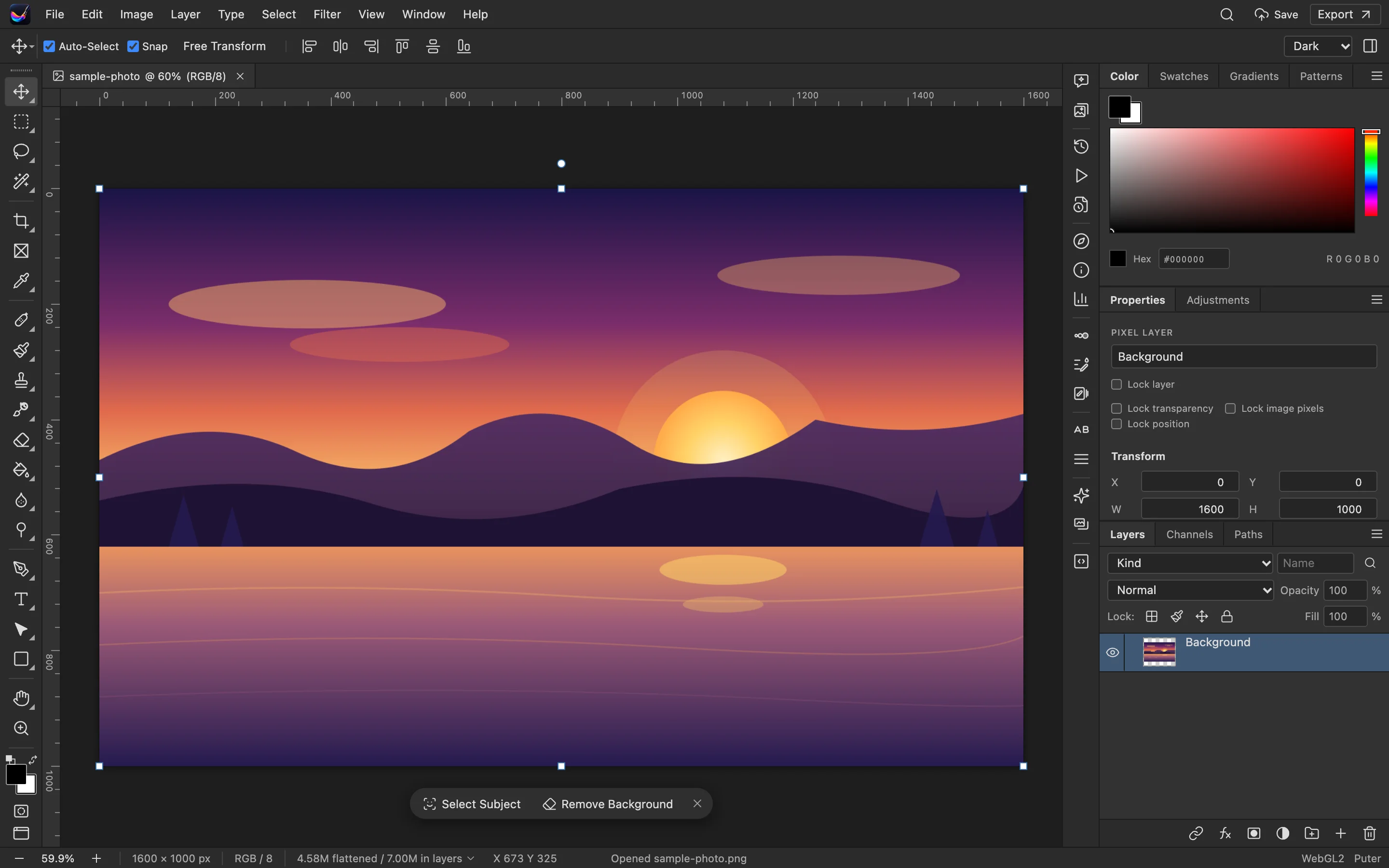
Brush, selection, transform and more — smooth even on large images.
 Built-in plugin
Photo editing, right in your workspace
Layers, filters and adjustments in one window. Import and export local files without switching apps.
All screenshots are rendered from the real plugin UI (2x hi-res).
Every capability comes with a real screenshot — see what it looks like in daily work.
Brush, selection, transform and more — smooth even on large images.
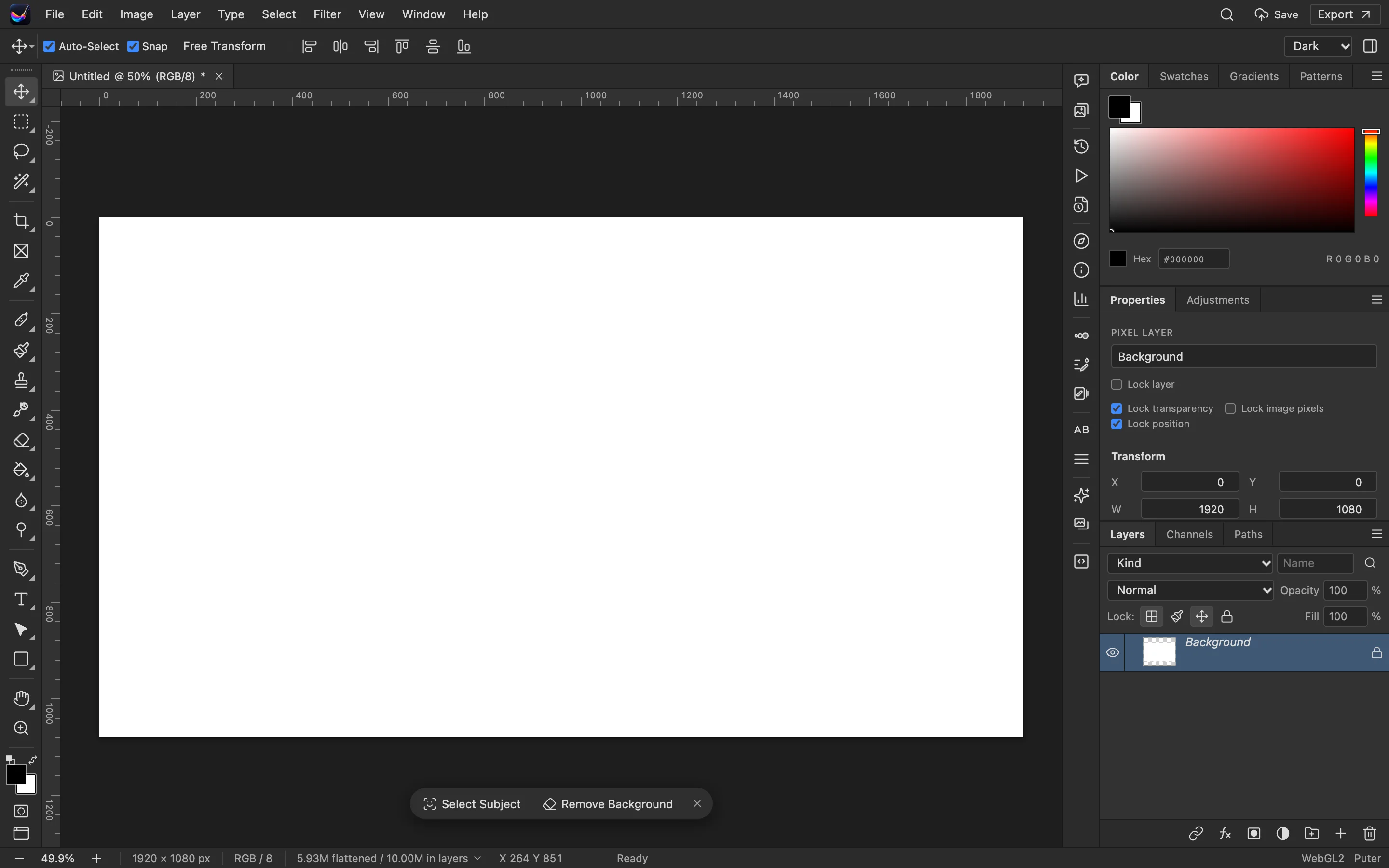
Save as PNG / JPEG / WebP and more, straight to your disk.
Details refined for daily use — not a checklist of features.
Brush, selection, transform and more — smooth even on large images.
Multiple layers, blend modes and opacity — fully non-destructive.
Curves, levels, blur/sharpen — all with live preview.
Save as PNG / JPEG / WebP and more, straight to your disk.
One-click install from the OTools plugin marketplace — works alongside your other tools in the same workspace.
Add it to your existing OTools and work alongside your other tools, sharing tabs and shortcuts.
A standalone app is on the way — install the plugin from the OTools market today.