
01
Low-latency mirroring
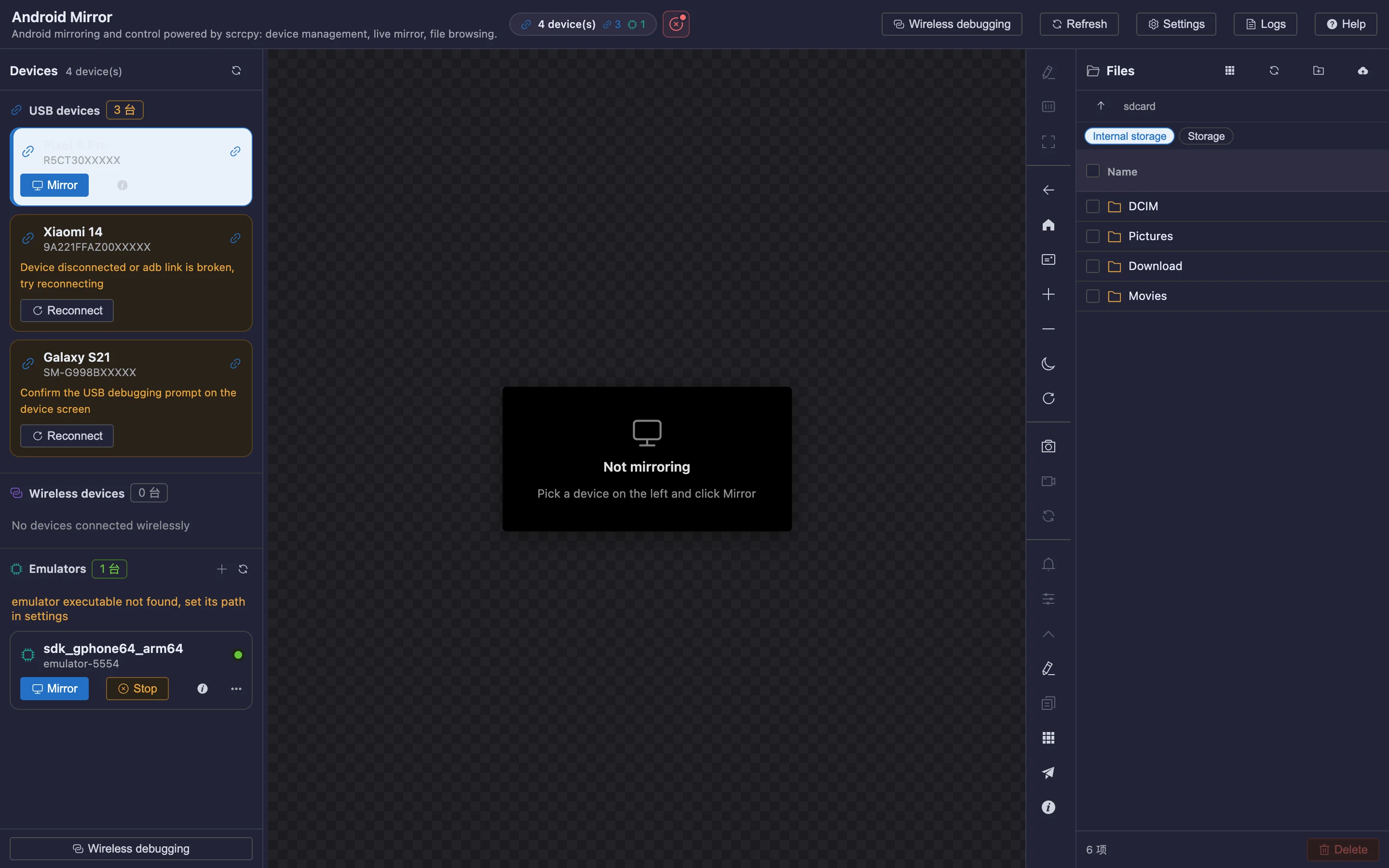
Adjustable bitrate and resolution, with recording and screenshots; stable even in long sessions.
 内置插件
内置插件Android mirroring and control
Low-latency mirroring built on scrcpy, with reverse keyboard/mouse control, wireless debugging and multiple devices at once.
All screenshots are rendered from the real plugin UI (2x hi-res).
Every capability comes with a real screenshot — see what it looks like in daily work.
Adjustable bitrate and resolution, with recording and screenshots; stable even in long sessions.
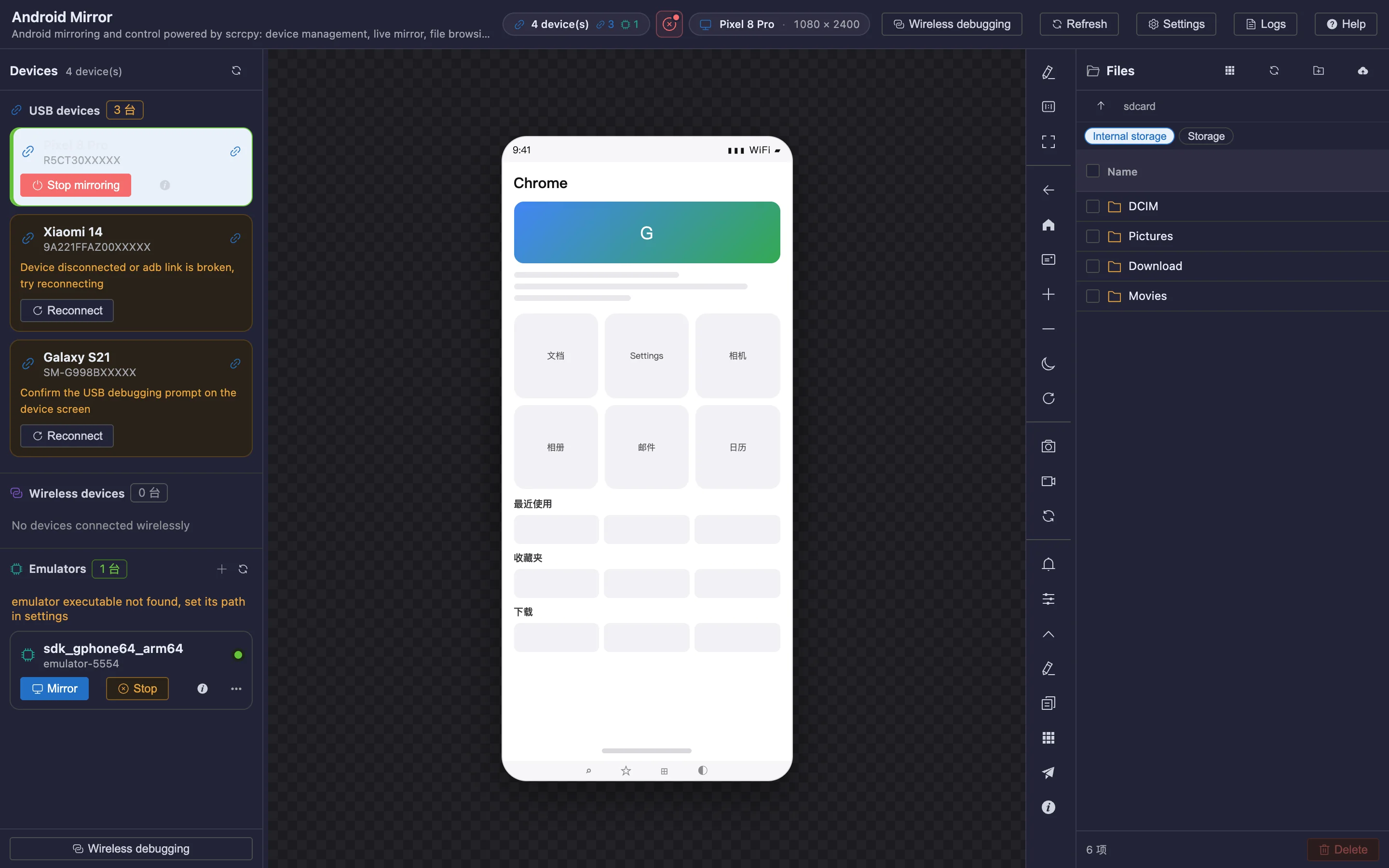
Operate the phone directly with keyboard and mouse, share the clipboard, and drag-and-drop APK installs.
Details refined for daily use — not a checklist of features.
Adjustable bitrate and resolution, with recording and screenshots; stable even in long sessions.
Operate the phone directly with keyboard and mouse, share the clipboard, and drag-and-drop APK installs.
Pair wireless debugging by QR code, and mirror several devices side by side without interference.
A focused app that does just this, or a plugin inside your existing OTools workspace?
A dedicated desktop app with the same engine but only this plugin’s features. Double-click and go — no OTools required.
Installers live on GitHub Releases; built-in auto-update.
Add it to your existing OTools and work alongside your other tools, sharing tabs and shortcuts.
The plugin updates together with OTools.