
01
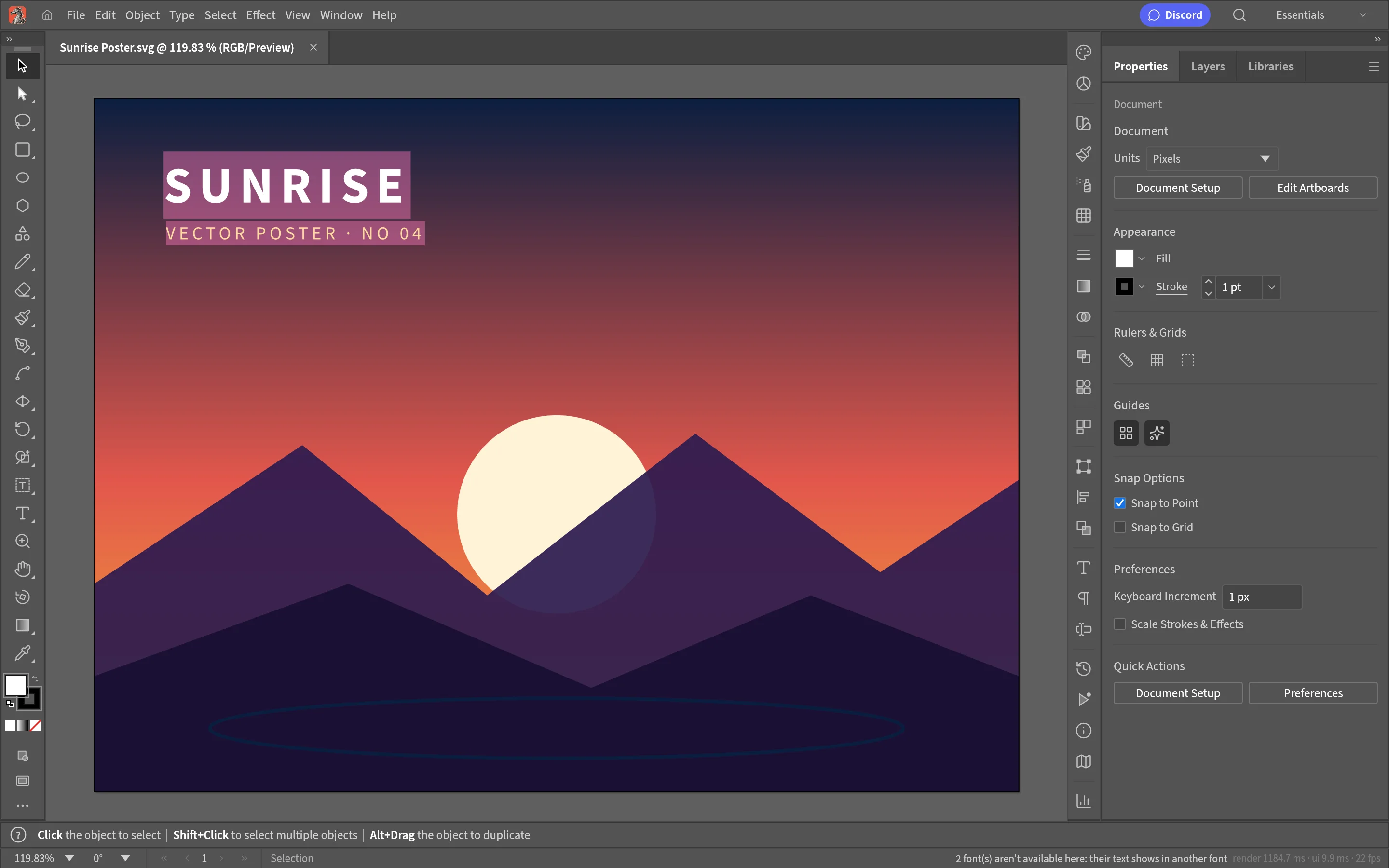
Pen tool
Precise Bézier control — anchor points and handles at your fingertips.
 Built-in plugin
Illustrator-style vector drawing
Pen Béziers, boolean paths and gradient meshes — logos, icons and illustrations, vector all the way.
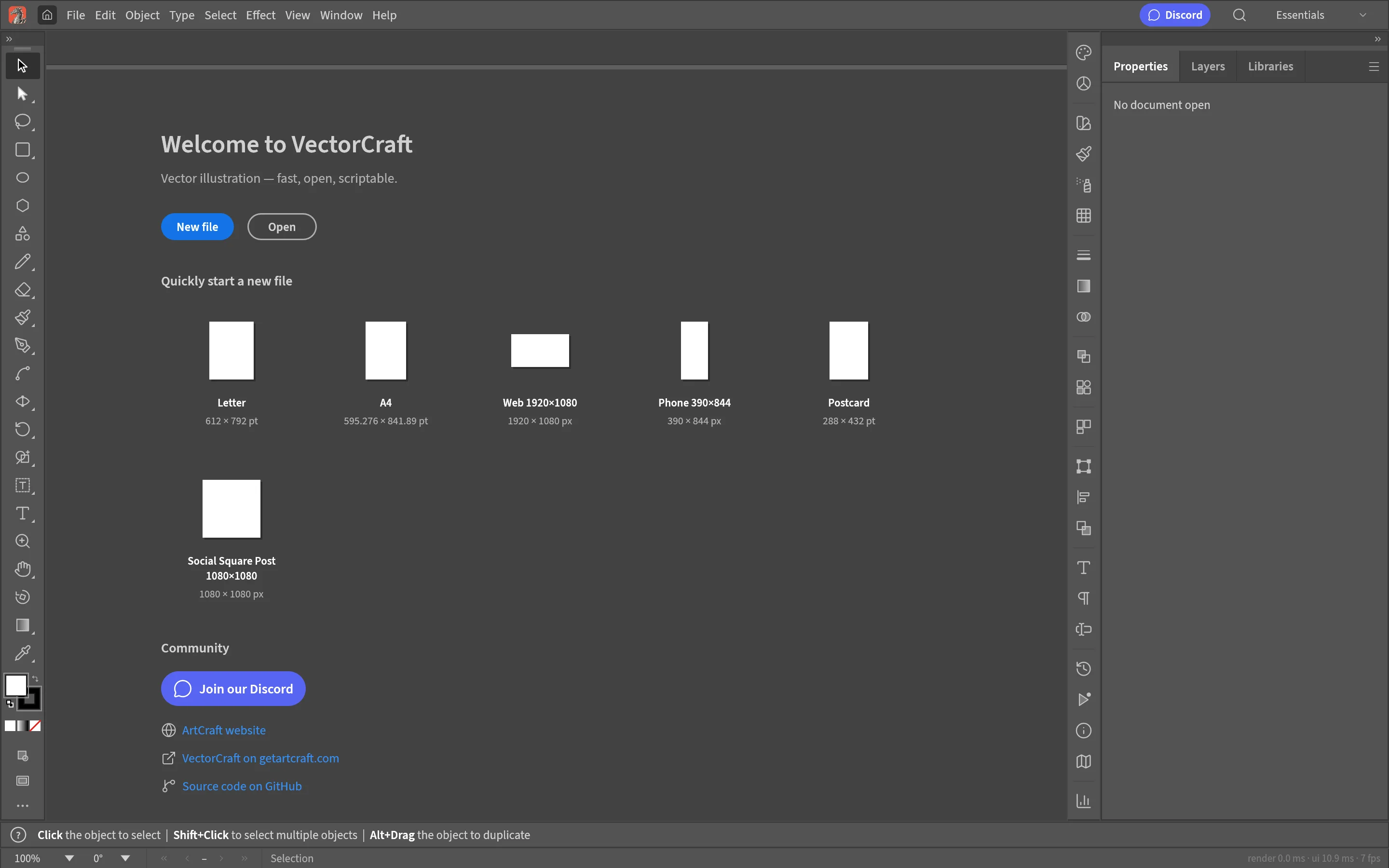
All screenshots are rendered from the real plugin UI (2x hi-res).
Every capability comes with a real screenshot — see what it looks like in daily work.
Precise Bézier control — anchor points and handles at your fingertips.
Gradient fills and meshes for smooth color transitions.
Exchange seamlessly with mainstream vector formats.
Details refined for daily use — not a checklist of features.
Precise Bézier control — anchor points and handles at your fingertips.
Union, subtract and intersect — complex shapes in one step.
Gradient fills and meshes for smooth color transitions.
Exchange seamlessly with mainstream vector formats.
One-click install from the OTools plugin marketplace — works alongside your other tools in the same workspace.
Add it to your existing OTools and work alongside your other tools, sharing tabs and shortcuts.
A standalone app is on the way — install the plugin from the OTools market today.