
01
Timeline editing
Multi-track timeline — cut, split and trim in one flow.
 Built-in plugin
Video editing on your desktop
Timeline editing, effects and export in one workspace. Media and projects stay local.
All screenshots are rendered from the real plugin UI (2x hi-res).
Every capability comes with a real screenshot — see what it looks like in daily work.
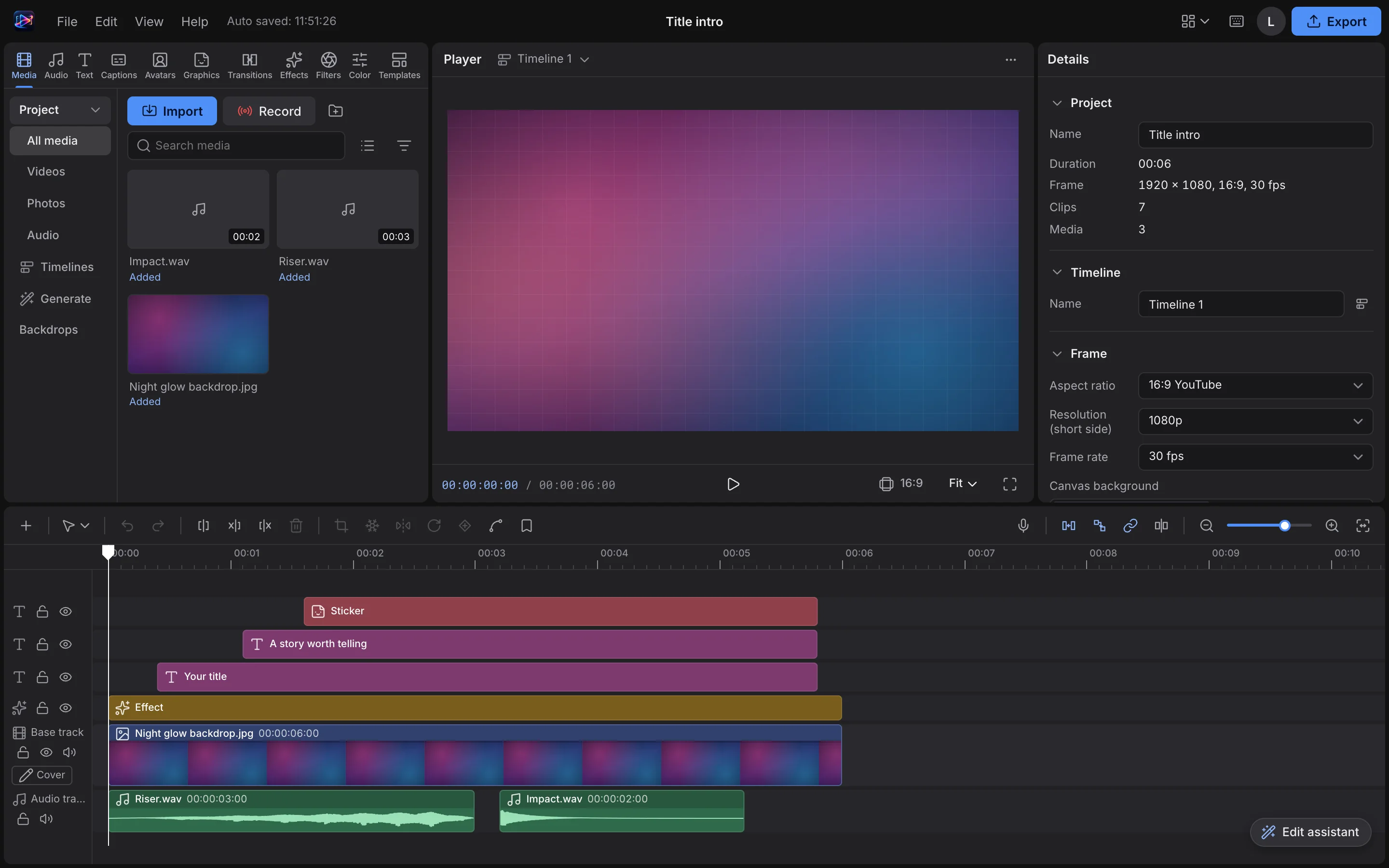
Multi-track timeline — cut, split and trim in one flow.
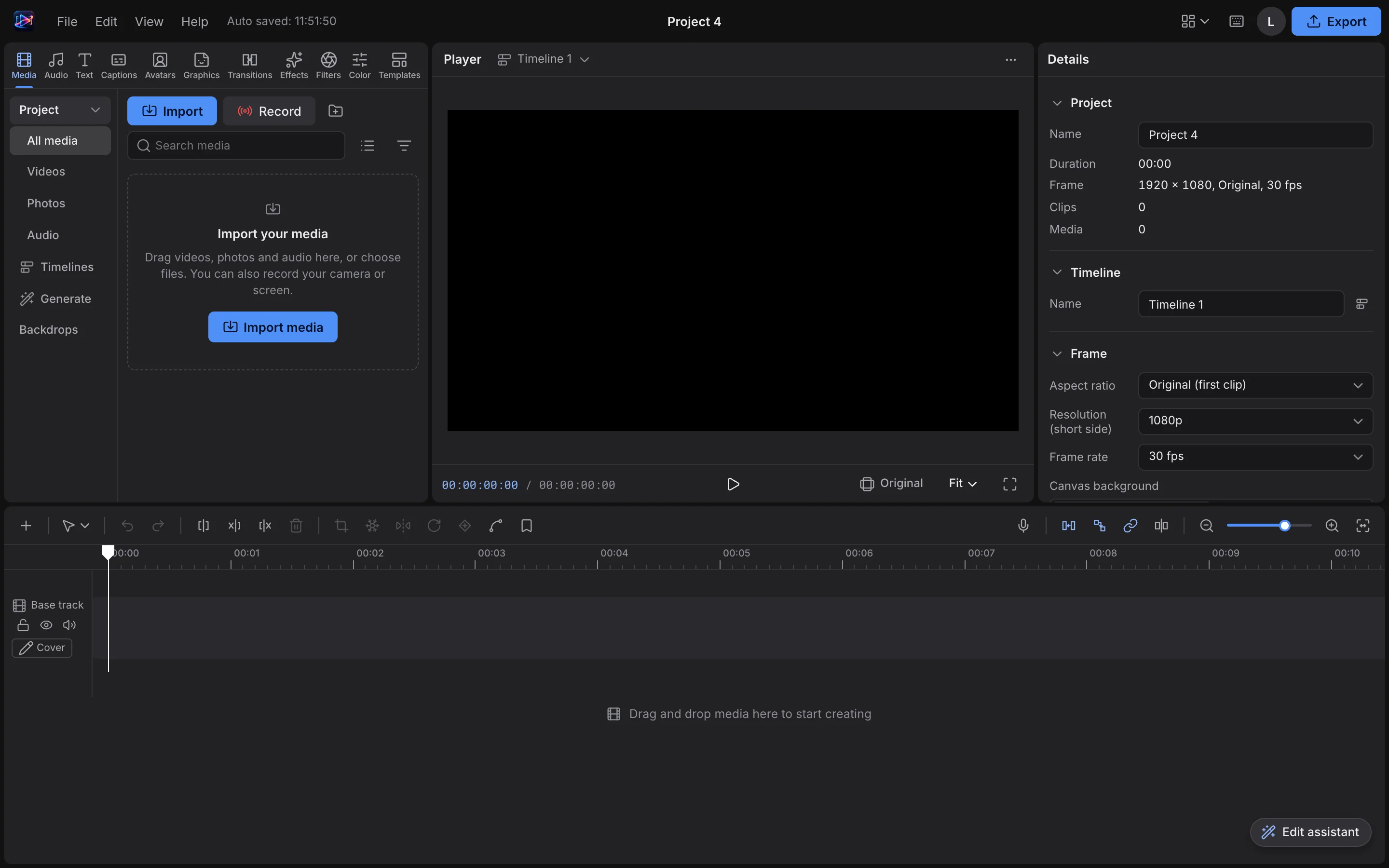
Scrub the playhead and see edits instantly.
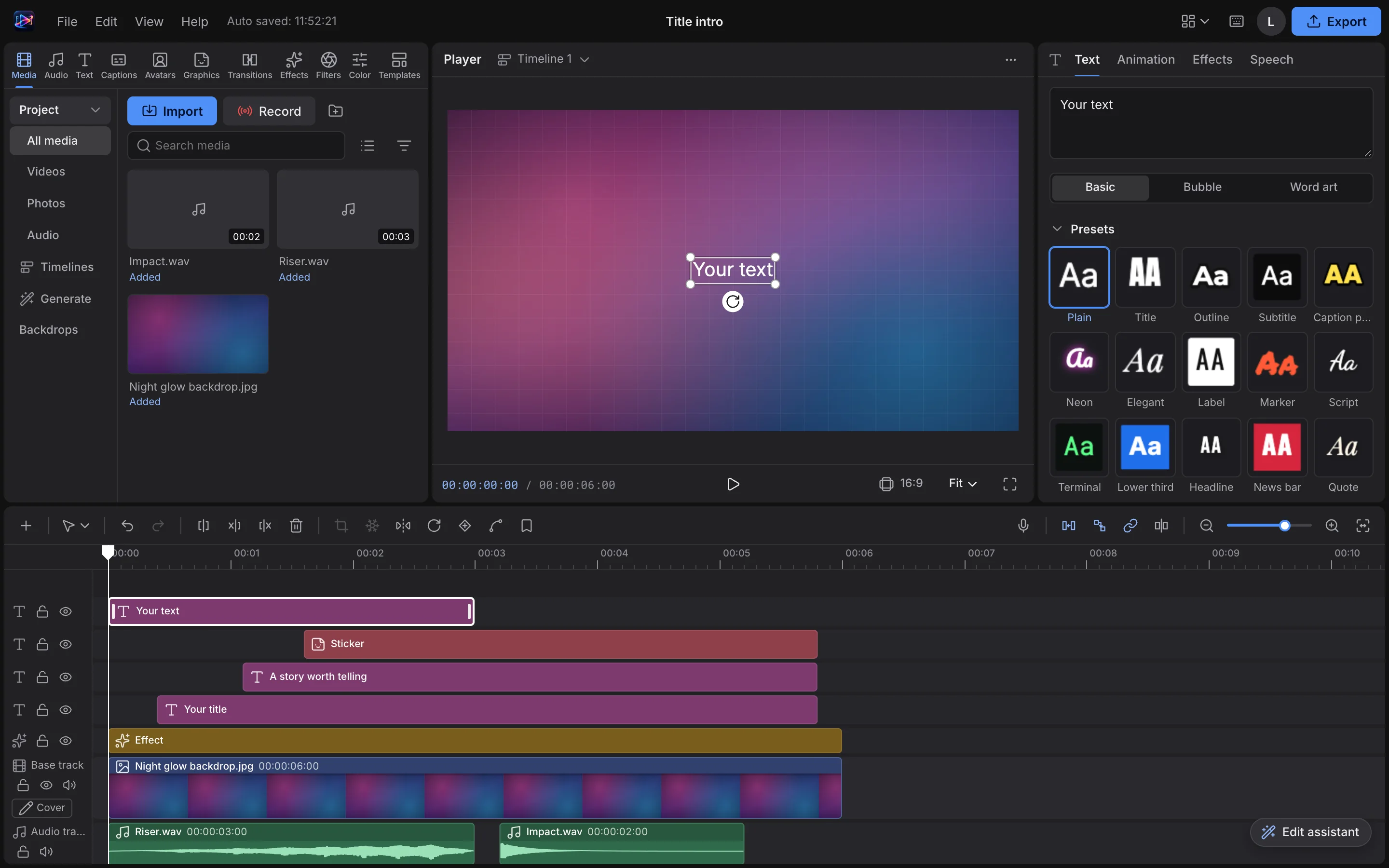
Add effects and transitions to enrich your footage.
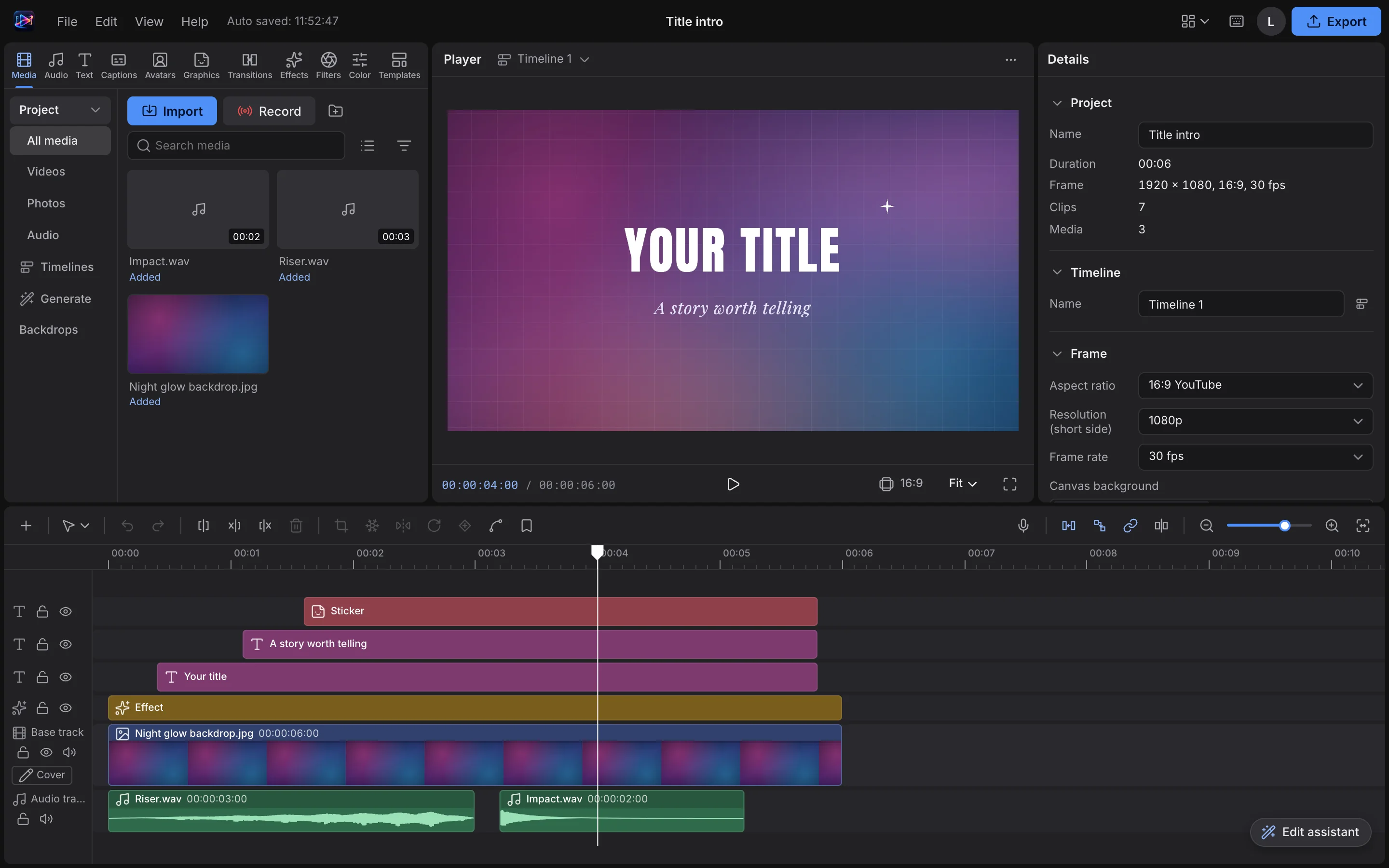
Export to common video formats, straight to local disk.
Details refined for daily use — not a checklist of features.
Multi-track timeline — cut, split and trim in one flow.
Scrub the playhead and see edits instantly.
Add effects and transitions to enrich your footage.
Export to common video formats, straight to local disk.
Drop a text track on the timeline and edit titles, captions and labels — what you see is what you get.
Drop the playhead anywhere — or at the 2/3 mark — to preview that frame and line up your cuts with exact timing.
One-click install from the OTools plugin marketplace — works alongside your other tools in the same workspace.
Add it to your existing OTools and work alongside your other tools, sharing tabs and shortcuts.
A standalone app is on the way — install the plugin from the OTools market today.